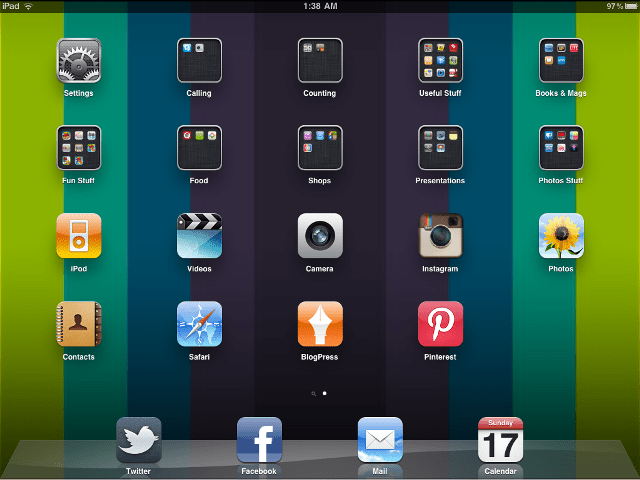
 |
| A screen capture of my, errr… Home screen? Desktop? iPad Front Page? |
Not that I am any sort of expert, I didn’t even own an iPad to start off with. I hadn’t planned to own one at all. Until I sold my house and was thinking of something to treat myself with. I never imagined that it would be as useful as it is. So here we go, the apps I found most useful to get me started;
- AppStart – AppStart for iPad got me started with my iPad. Funny that. It takes whatever you want to do and matches it with the App that could help. Is a good looking app and easy to use. A must for those wanting to get the basics covered.
- Blogpress – For a blogger this is essential. A simple way of posting from the iPad. You can manage all your blogs from the one App {if like me, you have multiple blogs}, you can do just about everything that you do from your dashboard. Except justify text. Grrr. And it always adds a massive space between the first photo and the top of the post that you can never get rid of. But yes, that’s just me being overally anal, I’m sure. Easily the best I found to blog on. I paid for the full App but there is a freebie one that I’ve used on my iPhone since I got it.
- Twitter – This simple App is great to keep up with the latest tweets. Simple but without the functionality of things like Tweetdeck and others. But I like it. It suits my tweeting perfectly.
- iBooks – This one is my favourite. Like having a mini bookshelf in your iPad. The best part is, using the direct link to the store you can fill it with free classic novels without spending a cent. I did spend a few cents, ultimately, but I’ve been reading nonstop since I got the iPad and all for about $55. Nice.
- iPhone Apps for iPad – Some apps will do the cross over from iPhone to iPad. my favourites of these are the Facebook {You can upload photos – hooray}, Instagram and Pinterest Apps. Resize them to fit the screen and you are good to go. All the things you love, super-sized.
- ABC Foodi – This is a FREE App and stupidly good value. Lots of recipes, beautifully designed, modern, bright… I love it. Sometimes when I can’t sleep I flick though and enjoy the prettiness. And oh my the recipes… Mmmm, they are something else. SO worth a look. And did I mention it was FREE.
- Evernote – I’m not sure if this is a Mac/Apple thing or if it was developed by someone else, but this little App keeps everything in one place. Notes, reminders, tags and photos. I imagine all desktops have similar programs available but I am just getting on board with this and enjoying planning our businesses and trip on it.
- Dropbox – Oh my. You will thank me for this one. Create an account and your ‘stuff’ that you drop into this dropbox will be synchronised across all your devices, computers and online. I’m still learning this one but it is right up there with my favourites.
- PS Express – I installed this App first on my iPhone and then added the iPad App. It is simple, fast and gives really good results for such a basic program. Simple editing on the go has never been easier. I don’t think anyway. It even has cute effects and frames to add.
- iMovie, Pages & Keynote – Some programs that make your iPad a little bit more like a desktop. Lots of fun, simple to use and with most of the functionality of the full programs. From what I can tell. I have limited experience with Mac computers.
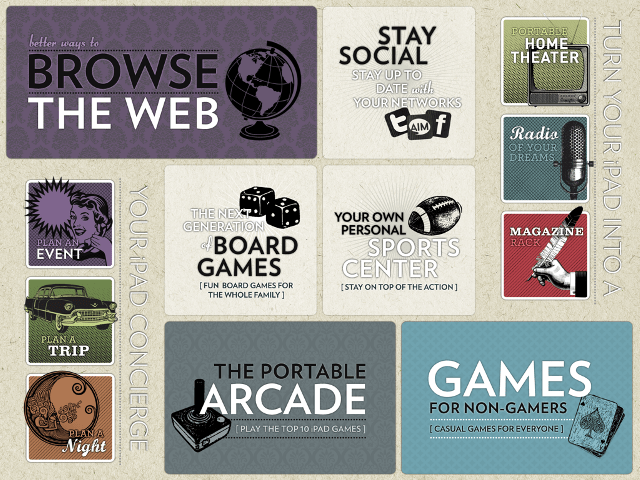 |
| AppStart for iPad – Page 1 |
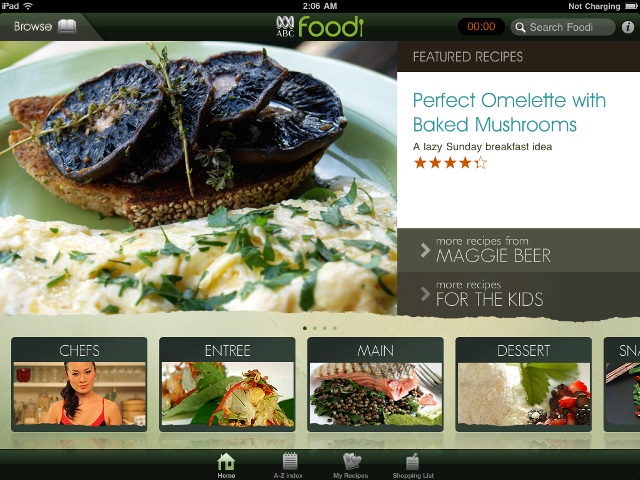 |
| ABC Foodi Home Page |
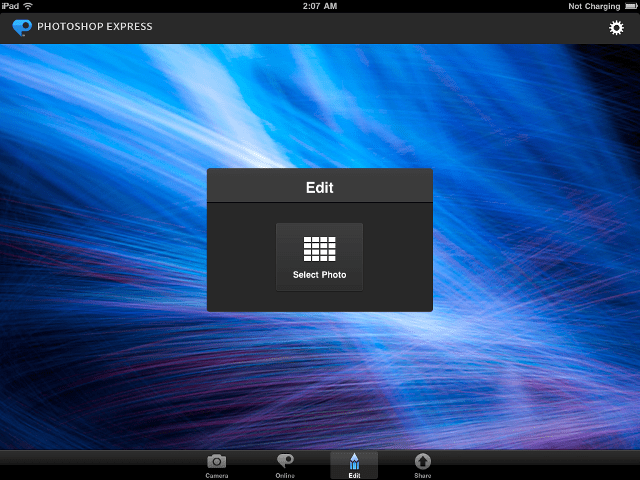 |
| PS Express Home Page |
So there you go. Some of my favourites, now have you got any suggestions for me?
Hook a girlfriend up.

 Suger
Suger 
Leave a comment